Cybercriminals are constantly evolving their tactics to trick users into installing malware, and a new scam is making the rounds that uses fake verification steps to infect computers.
This scam, often referred to as “ClickFix,” targets both Windows and macOS users by convincing them to run malicious commands disguised as simple verification or activation steps.
How the Scam Works
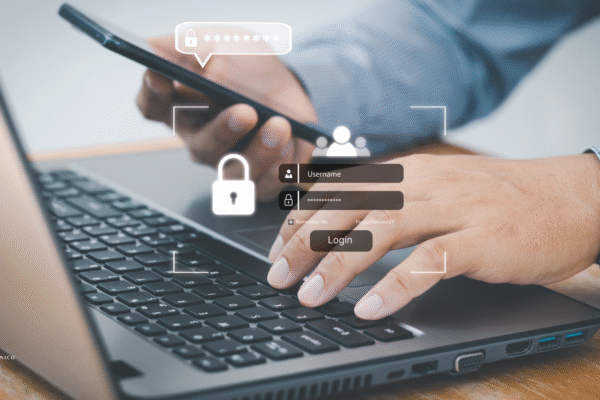
The scam typically begins when users encounter what looks like a legitimate verification page such as a fake CAPTCHA or other activation prompt. These attempts usually come through via websites or links in emails, social media or even search engine results. These pages instruct users to copy and paste a line of code into their computer’s command prompt or terminal, promising to unlock premium software or fix issues.
Instead, this hands hackers remote access to the victim’s device, allowing malware to install silently in the background. The malware can steal sensitive information such as login credentials, cryptocurrency wallets, cookies and authentication tokens. Some variants also modify system settings to maintain persistence and evade detection.
Why This Scam is so Effective
User-Friendly Instructions
Recent versions of these fake verification sites include embedded tutorial videos that show exactly how to run the malicious commands, making it easier for victims to follow along without suspicion.
Urgency and Pressure
A countdown timer often pressures users to complete the request quickly, increasing the chance they’ll act without thinking. For example, it may say they need to complete within 24 hours or face a penalty.
Legitimate-Looking Channels
Cybercriminals use compromised accounts and SEO-poisoned search results to make these scams appear trustworthy.
Bypassing Security
The malware strains involved can bypass traditional antivirus protections and built-in OS security features, making detection difficult.
How to Protect Yourself
Never copy and paste commands from untrusted sources
Avoid running commands from random websites, social media videos or emails. If it seems too good to be true, it probably is.
Download software only from official sources
Always get software directly from the official website or trusted app stores.
Keep your security software updated
Regularly update antivirus programs and operating systems to protect against the latest threats.
Use strong antivirtus and anti-malware tools
Employ security software that offers real-time protection against trojans, info-stealers and phishing attacks.
Reset passwords
If you’ve followed suspicious instructions, immediately change passwords on your email, financial, professional, personal and social media accounts.
Enable multi-factor authentication (MFA)
Adding an extra verification step helps protect your accounts even if passwords are compromised.
Final Thoughts
This new verification trick scam highlights the importance of being skeptical when using new online applications. No legitimate software or service will ask you to run unknown commands on your device. Staying informed and cautious is your best defense against these evolving threats.
Get in touch with Commercial Risk Advisor, Rob Burkett, and he can help ensure your business is protected with the right cyber protection.